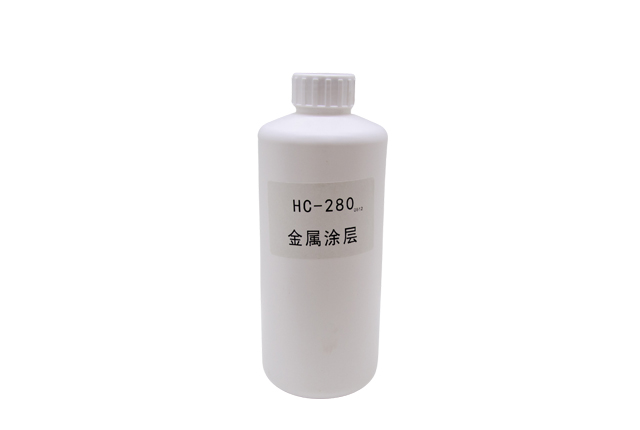
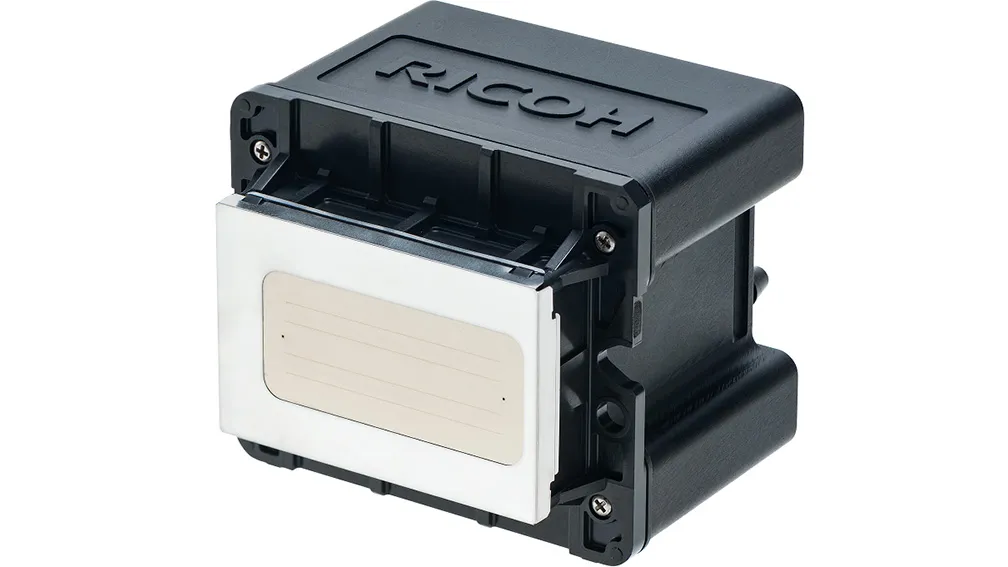
UV printers work with fast-curing inks, which is useful for production but can make maintenance more demanding. Once residual UV ink begins to thicken or cure around the ink system, routine wiping may no longer be enough.
A UV Ink Remover is used when stronger cleaning is required to loosen residual ink and keep printing components clean. Used at the right time, it can support stable printer operation and reduce maintenance problems caused by dried ink buildup.
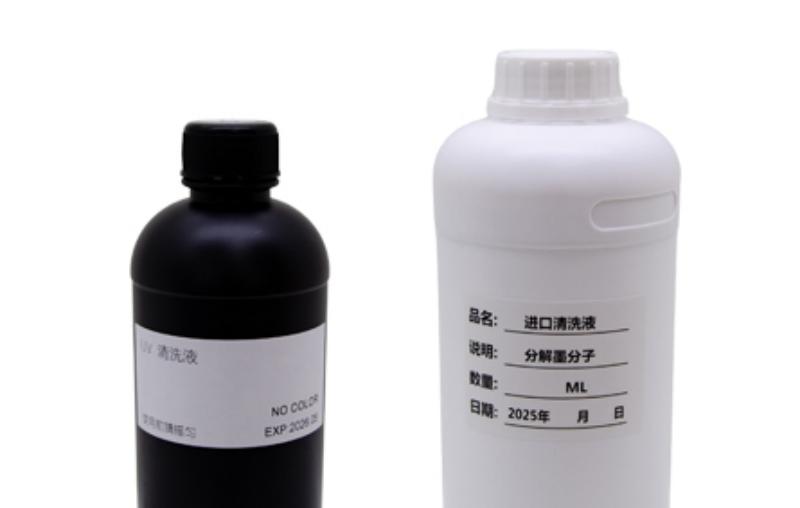
A UV Ink Remover is a cleaning solution formulated to dissolve or loosen UV ink residue before it becomes difficult to remove.
During normal printing, small amounts of ink can remain around areas such as the printhead surface, capping station, wiper, or other parts of the ink path. If the printer is used frequently, these residues may gradually accumulate. If it remains idle, the risk of ink thickening or curing increases.
UV ink remover helps soften this residue so that it can be removed during maintenance instead of continuing to build up.
Its role is mainly preventive and corrective maintenance. It should not replace proper printer setup, correct ink handling, or regular cleaning.
Not every cleaning task requires a strong ink remover. In many cases, routine maintenance is enough.
A UV ink remover becomes more useful when ordinary cleaning no longer removes visible ink residue or when dried ink starts to affect printer operation.
Ink residue remains around the printhead or wiper after normal cleaning.
The printer has been idle for an extended period.
UV ink has started to dry around exposed printing components.
Ink buildup repeatedly returns during maintenance.
The printer requires deeper cleaning after long-term use.
The timing matters. Removing ink while the residue is still manageable is usually easier than dealing with heavily cured deposits later.
Ink contamination often develops gradually. The first sign may be a change in print quality rather than a complete printer failure.
You may notice missing lines in a nozzle test, inconsistent color output, slight overspray, or areas where the image no longer prints as cleanly as before. Visible residue around the printhead, wiper, or capping station is another warning sign.
However, poor print quality does not always mean dried ink is the cause. Similar symptoms can also come from air in the ink system, improper printhead height, damaged nozzles, or maintenance components that need attention.
If a normal cleaning cycle does not improve the result and visible ink residue is present, using a compatible UV Ink Remover may be the next maintenance step.
Routine cleaning is intended to keep the printer in good condition during normal operation. UV ink remover is more useful when residual ink has already started to accumulate or dry.
| Maintenance Situation | Recommended Approach |
|---|---|
| Daily surface cleaning | Routine cleaning |
| Light fresh ink residue | Routine cleaning |
| Persistent ink buildup | UV Ink Remover may be needed |
| Dried UV ink around maintenance areas | Use a compatible ink remover |
| Serious nozzle or ink-system problems | Inspect the printer before further cleaning |
Using a stronger cleaner when it is not needed does not necessarily improve maintenance. The better approach is to match the cleaning method to the actual condition of the printer.
The most important consideration is compatibility.
UV printers can use different printheads, ink systems, seals, and maintenance components. A cleaning liquid that works well with one system may not be suitable for another.
Before applying a UV ink remover, confirm where the liquid can safely be used. Cleaning residue from an external printhead surface is different from flushing liquid through the internal ink path. A remover intended for surface cleaning should not automatically be used inside the printhead.
The ink type should also be considered because UV inks can differ in curing behavior and chemical composition. Using a compatible cleaner helps reduce the risk of unwanted reactions with residual ink.
For unfamiliar machines or ink systems, testing the cleaner on a small area first is a sensible precaution.
MOGE UV Ink Remover is designed to support UV printer cleaning and maintenance by helping remove residual UV ink before buildup becomes more difficult to manage.
It can be used as part of printer care when ink residue remains around suitable maintenance areas or when a machine requires deeper cleaning after extended use.
If you are unsure whether UV Ink Remover is suitable for your printer, contact MOGE with your printer model and the cleaning issue you are experiencing. Our team can help you determine a suitable maintenance approach before use.
UV ink cures quickly, so residual ink should not be ignored during maintenance. Routine cleaning is usually enough for everyday care, while a UV Ink Remover becomes useful when ink residue begins to accumulate, dry, or resist ordinary cleaning.
The goal is to use the right cleaning method at the right time. Regular inspection and compatible cleaning products can help maintain stable printing performance and reduce avoidable downtime.
UV Ink Remover is used to loosen and remove residual UV ink from suitable printer maintenance areas. It is particularly useful when ink has started to thicken or dry and normal cleaning is no longer effective.
It may help when poor nozzle performance is caused by removable ink residue, but not every clogged or missing nozzle is caused by dried ink. Mechanical damage, air in the ink system, or other printer faults can produce similar symptoms.
Only when the cleaner and printer manufacturer confirm that it is suitable for internal use. A product intended for external cleaning should not automatically be used to flush the printhead or ink lines.
There is no fixed schedule for every printer. The need depends on printing frequency, maintenance condition, and how long the printer remains idle. Routine cleaning should normally remain the first step.
It may be useful if ink residue has dried during the idle period, but the printer should first be inspected. Follow the recommended restart and maintenance procedure for the specific machine.
Clean exposed ink residue before it cures, inspect maintenance areas regularly, and follow the recommended shutdown procedure when the printer will not be used for an extended period.


 English