High speed, precision, and lasting performance.
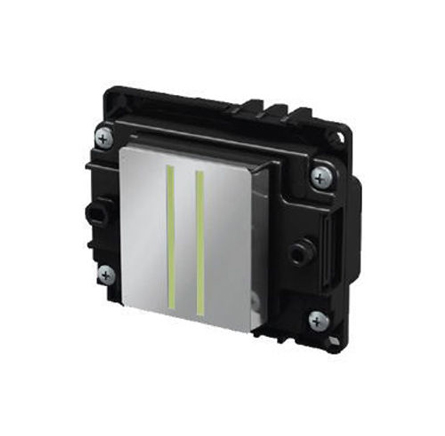
Use compatible high-quality ink
Perform regular nozzle checks
Clean the printhead properly
Maintain a clean printing environment
Power off correctly
Avoid long idle periods
Monitor humidity levels
Use proper primers and coatings
Use High-Quality Inks Only: Always use compatible, premium-grade UV inks to prevent clogging and ensure nozzle health.
Perform Regular Cleaning: Clean the printhead weekly using recommended cleaning solutions to remove dried ink and debris.
Operate in a Stable Environment: Keep the commercial UV printer in a dust-free, temperature-controlled space (20–28°C) to maintain optimal performance, especially for models such as the epson f1080.
Run Test Prints Daily: Print nozzle check patterns daily to ensure all nozzles are firing correctly and avoid long idle periods.
Avoid Forced Wiping: Use the printer’s built-in cleaning system instead of manual wiping to protect the delicate nozzle plate.
Shut Down Properly: Always turn off the printer according to the manufacturer’s instructions to cap and seal the printhead properly.
Monitor Ink Levels: Don’t let ink run dry; refill before levels get too low to avoid air bubbles entering the system.


 English